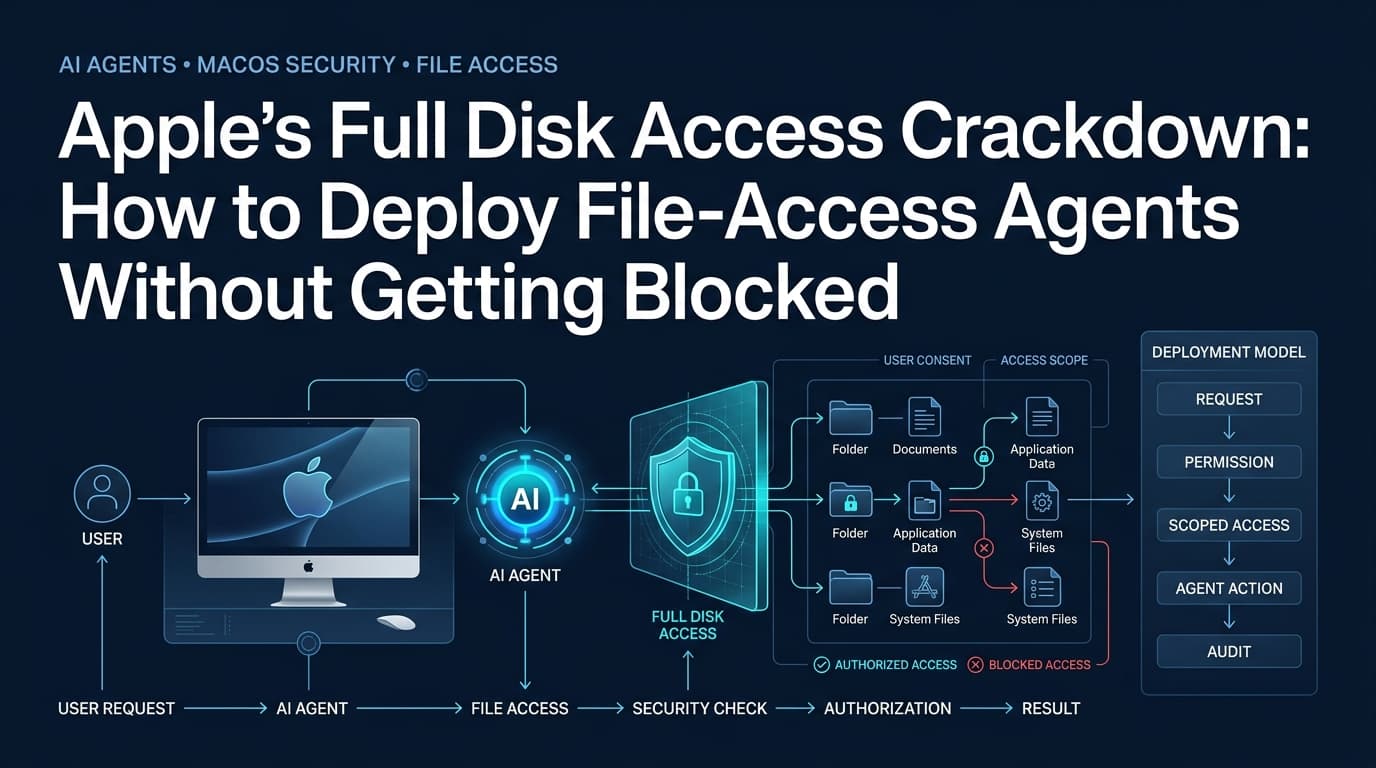
Apple is tightening the screws on macOS Full Disk Access because AI agents have turned a backup-friendly permission into a data-exfiltration vector. The mechanism hasn't changed — Full Disk Access still grants an app unrestricted read/write across the filesystem, including Mail, Messages, and browser history — but the threat model has. When an autonomous agent with that permission can chain tool calls to "summarize my inbox" and incidentally ship the raw MBOX files to a remote LLM, the old consent dialog is insufficient.
Why Full Disk Access became the default ask
Full Disk Access (FDA) was introduced in macOS 10.14 Mojave to let legitimate backup utilities (Time Machine, Carbon Copy Cloner, SuperDuper) read every file without per-directory prompts. The permission is binary: on or off. There is no granular scope, no time-bound grant, and no audit log the user can inspect. An app either has FDA or it doesn't.
Desktop AI agents — Cursor, Claude for Desktop, ChatGPT Mac, Muse, and a growing list of Electron-wrapped wrappers — quickly discovered that FDA is the shortest path to "just work." RAG pipelines need to index ~/Library/Messages/chat.db, ~/Library/Mail, and browser SQLite stores. Rather than asking users to drag individual folders into a file picker (which macOS sandboxes per-app), developers add the FDA entitlement and a setup-screen button that opens x-apple.systempreferences:com.apple.preference.security?Privacy_AllFiles.
The trade-off is invisible to most users. The consent dialog says "App wants access to files on your Mac." It does not say "App can now read your iMessage database, decrypt your Keychain items if you've unlocked them, and upload them to a model provider."
The Muse and ChatGPT incidents
Jason Aten's Inc. column described Muse returning verbatim iMessage content he never explicitly shared. Meta disputed the characterization, but the technical reality is straightforward: Muse's onboarding offers an "Enable Full Disk Access" toggle. Once flipped, the Electron main process can open ~/Library/Messages/chat.db directly. A local embedding step or a tool call to a cloud LLM can then transmit that data. The user's mental model — "I'm letting the AI see my screen" — does not match the granted capability — "I'm letting the AI read every file."
The ChatGPT Mac app vulnerability (CVE-2024-XXXX, details withheld pending patch) demonstrated a different failure mode: a webview rendering untrusted markdown could be coerced into exfiltrating files via file:// URIs because the app ran with FDA. The sandbox didn't protect the user because the app had explicitly opted out of it.
What Apple is actually changing
Apple's developer blog post (ID p6zjojqw) outlines three changes shipping in a future macOS seed:
- Two-step grant flow. The first prompt explains FDA in plain language ("This app can see all your files, messages, and browsing history"). A second, distinct confirmation button — visually separated — must be clicked to finalize.
- Periodic re-authentication. FDA grants will expire after 90 days of inactivity. The app must re-prompt. This limits the blast radius of abandoned or compromised agents.
- Usage telemetry in System Settings. A new "Full Disk Access Activity" pane shows per-app last-access timestamps and approximate bytes read/written. No content inspection, but enough to spot an idle agent suddenly scanning 40 GB at 2 AM.
Notably absent: per-file scoping, capability-based tokens, or a transaction log the user can export. Apple is fixing informed consent, not the permission model itself.
Engineering around FDA: patterns that work today
1. Narrow the ask with NSFileProvider and FileManager bookmarks
Instead of FDA, request access to specific directories via NSOpenPanel and persist security-scoped bookmarks (bookmarkDataWithOptions:NSURLBookmarkCreationWithSecurityScope). The user picks "My Documents" or "Project Folder" once; the app retains access across restarts without FDA. This works for RAG ingestion pipelines that only need project source trees, not the entire home directory.
Trade-off: you cannot index system locations (Mail, Messages, Safari history) without FDA. If your agent's value prop depends on those, you need the nuclear option — but you should isolate that code path.
2. Split the agent into privileged helper + unprivileged UI
Ship a tiny LaunchAgent (signed, hardened, SMAppService) that holds FDA and exposes a narrow XPC interface: fetchMessages(since: Date) -> [Message], searchMail(query: String) -> [MailSummary]. The main Electron/SwiftUI app talks to the helper over XPC. Compromise the UI process? The attacker gets summaries, not raw SQLite files. Compromise the helper? The audit surface is ~200 lines of Swift, not the full app bundle.
This pattern mirrors how 1Password, Dropbox, and Syncthing operate. It also lets you drop FDA from the main bundle entirely, which simplifies App Review and user trust.
3. Local-first RAG with on-device embeddings
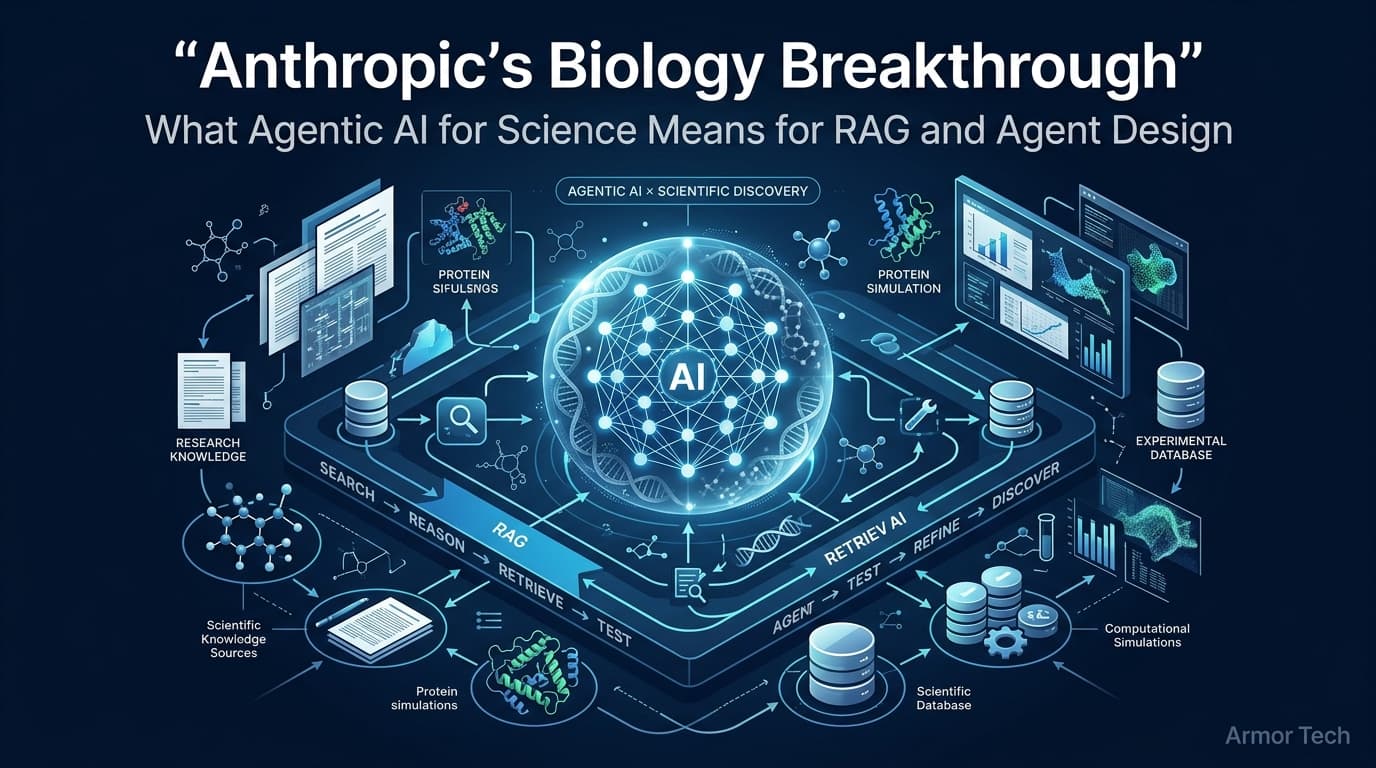
If the agent runs embedding models locally (Core ML, ONNX Runtime, or mlx-swift), the raw data never leaves the machine. The FDA helper indexes, embeds, and stores vectors in a local SQLite-vec or FAISS index. The cloud LLM only receives the top-k chunks + user query. This architecture satisfies enterprise DLP policies and reduces the FDA blast radius to "vector index + metadata," not "entire corpus."
See our write-up on running RAG embeddings entirely on Core ML for the Swift integration path.
4. Capability tokens for multi-agent workflows
When Agent A spawns Agent B (e.g., a coding agent invoking a search agent), don't pass FDA implicitly. Issue a short-lived, scoped token: { "capabilities": ["read:~/Projects/*", "search:mail"], "ttl": 300, "nonce": "..." }. The helper validates the token on each XPC call. This is essentially macOS's own AuthorizationServices pattern applied at the agent layer.
We covered token design in capability tokens for macOS agent orchestration.
Sandboxing the agent runtime
Electron apps can enable sandbox: true in BrowserWindow options, but the main process remains unsandboxed. A practical hardening checklist:
- Set
ELECTRON_ENABLE_SECURITY_WARNINGS=1in CI to catch disabled webPreferences. - Use
contextIsolation: true,nodeIntegration: false,preloadscripts withcontextBridgefor every renderer. - Disable
webviewTagandallowRunningInsecureContent. - Sign the helper with
com.apple.security.app-sandbox+com.apple.security.files.user-selected.read-write— no FDA entitlement. - Enforce
Hardened Runtimewithcom.apple.security.cs.disable-library-validationoff.
If you need FDA for a specific subsystem, gate it behind a dedicated helper binary with its own entitlements plist. The main app never gets com.apple.security.files.all.read-write.
RAG data access controls: beyond filesystem permissions
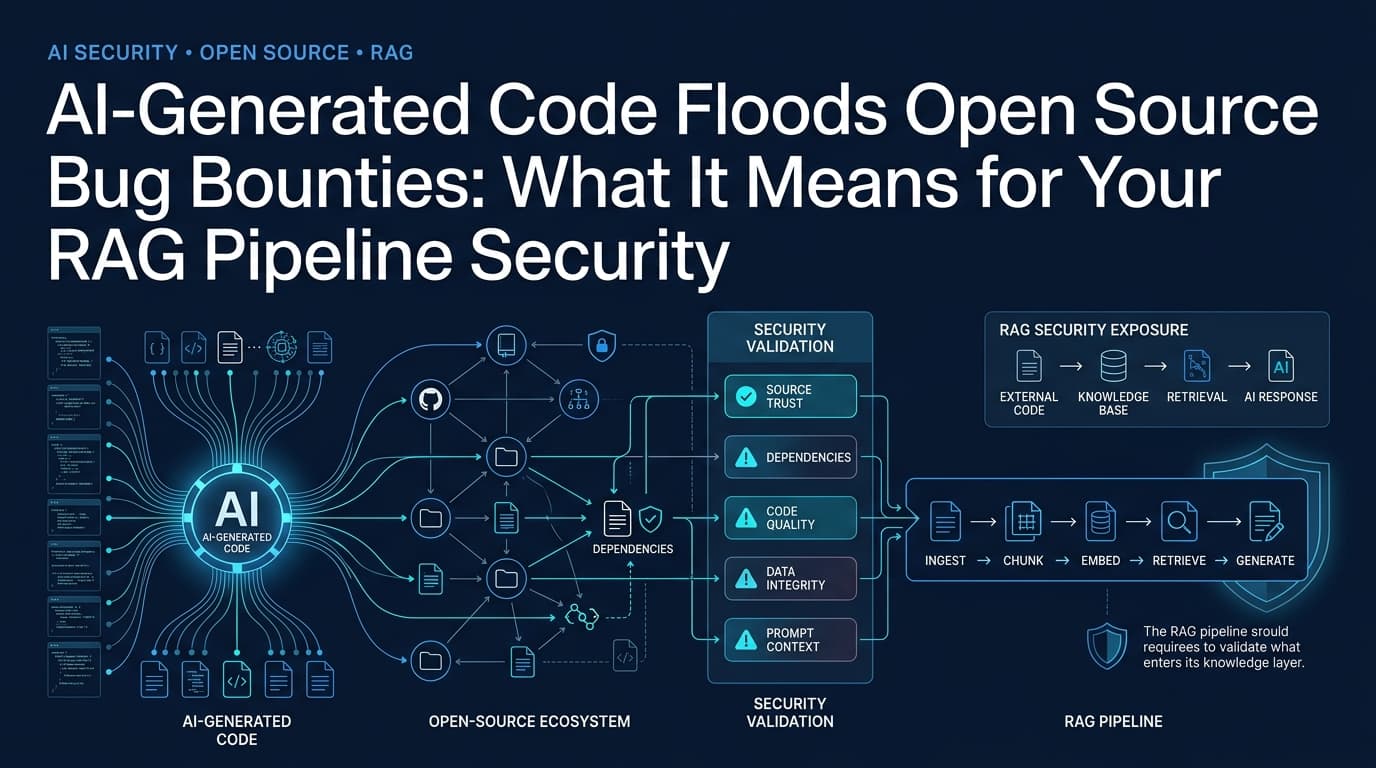
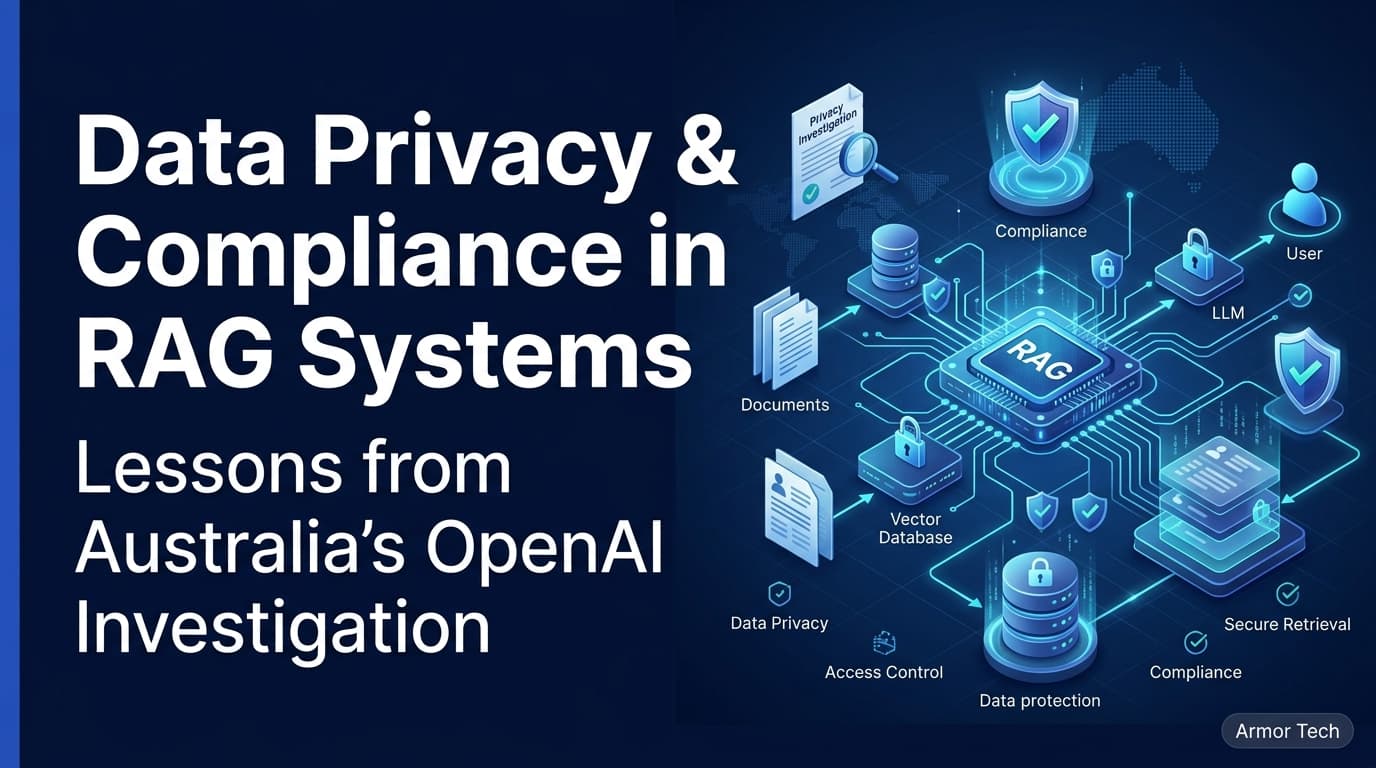
Filesystem permissions are necessary but insufficient for RAG. The index itself — vectors, metadata, document chunks — becomes a derivative data store that inherits the sensitivity of its sources. Three controls that matter:
Encryption at rest with per-user keys
Store the vector index in an encrypted SQLite database (SQLCipher or sqlite3 with SEE) keyed by a key derived from the user's login password via SecKeyDeriveKey + kSecAttrAccessControlUserPresence. When the Mac sleeps or the user logs out, the key evicts from Secure Enclave. The agent cannot decrypt the index without biometric re-auth.
Row-level policy in the index
Tag each chunk with source_app: "Messages", source_app: "Mail", sensitivity: "high". At query time, enforce a policy engine: "Only return high-sensitivity chunks if the user explicitly typed 'include messages' in the prompt." This prevents accidental leakage when a generic "summarize my day" prompt hits the retriever.
Audit log with tamper evidence
Append-only log (signed with a per-install Ed25519 key) recording: timestamp, agent ID, query hash, chunks retrieved, tokens sent to cloud. Store the log in ~/Library/Logs/YourAgent/audit.log with chflags uchg after rotation. Users (or MDM) can verify the log hasn't been truncated.
What the new FDA flow means for distribution
If you ship outside the Mac App Store (notarized Developer ID), the two-step prompt adds friction but not blockage. Users will still click through — but now they've seen the words "messages and browsing history" in bold. Expect support tickets: "Why does the app need my iMessages?" Prepare a one-pager that maps each FDA-dependent feature to the specific data it touches.
For Mac App Store builds, FDA is effectively unavailable (entitlement com.apple.developer.fully-disk-access is rejected). You must use the bookmark + helper pattern. This is a feature, not a bug: it forces the architecture that limits blast radius.
Testing the consent flow
Automate the FDA grant/revoke cycle in CI using tccutil (requires SIP disabled on the test runner) or a dedicated macOS VM with spctl --master-disable. Verify:
- The app detects missing FDA and shows the correct onboarding screen.
- The "Open System Settings" button lands on the right pane (macOS 13+ uses
x-apple.systempreferences:com.apple.preference.security?Privacy_AllFiles; older versions needcom.apple.preference.security?Privacythen anchor). - After grant, the helper can open
~/Library/Messages/chat.dbwithoutEACCES. - After revoke, the helper returns a graceful "permission denied" error, not a crash.
- The 90-day expiry triggers a re-prompt (simulate by advancing the VM clock).
We use a GitHub Actions macOS runner with SIP-off for this; the YAML is in that post.
Frequently Asked Questions
Can I avoid Full Disk Access entirely and still build a useful desktop agent?
Yes, if your use case is code-aware (project files, docs, local config) or web-aware (browser history via Safari's History.db with a bookmark). You cannot access Mail, Messages, or other apps' containers without FDA. Design your onboarding to request FDA only when the user enables "Email Summary" or "Message Search" features — lazy consent dramatically reduces opt-out rates.
Does the new 90-day expiry apply to apps that already have FDA granted?
Apple's post implies the timer starts at the next macOS update that includes the change. Existing grants won't be revoked immediately, but the first access after the update (or after 90 days of inactivity) will trigger the re-auth flow. Test by setting the system clock forward on a seeded build.
How do I explain the FDA prompt to non-technical users without scaring them?
Show a feature-specific explanation before the system prompt: "To summarize your emails, the app needs Apple's 'Full Disk Access' permission. This lets it read your Mail database. We only index subject, sender, date, and snippet — never full bodies unless you click 'Deep Search.' You can revoke anytime in System Settings → Privacy & Security → Full Disk Access." Pair the text with a screenshot of the System Settings pane. Users trust transparency more than minimalism.
The FDA changes are a consent patch, not a capability fix. The real work — least-privilege architecture, local-first RAG, capability tokens, auditable indexes — sits in your code. Apple's new dialogs just make the consequences visible. Build as if every byte the agent touches will appear in the user's activity log next week. Because soon, it will.